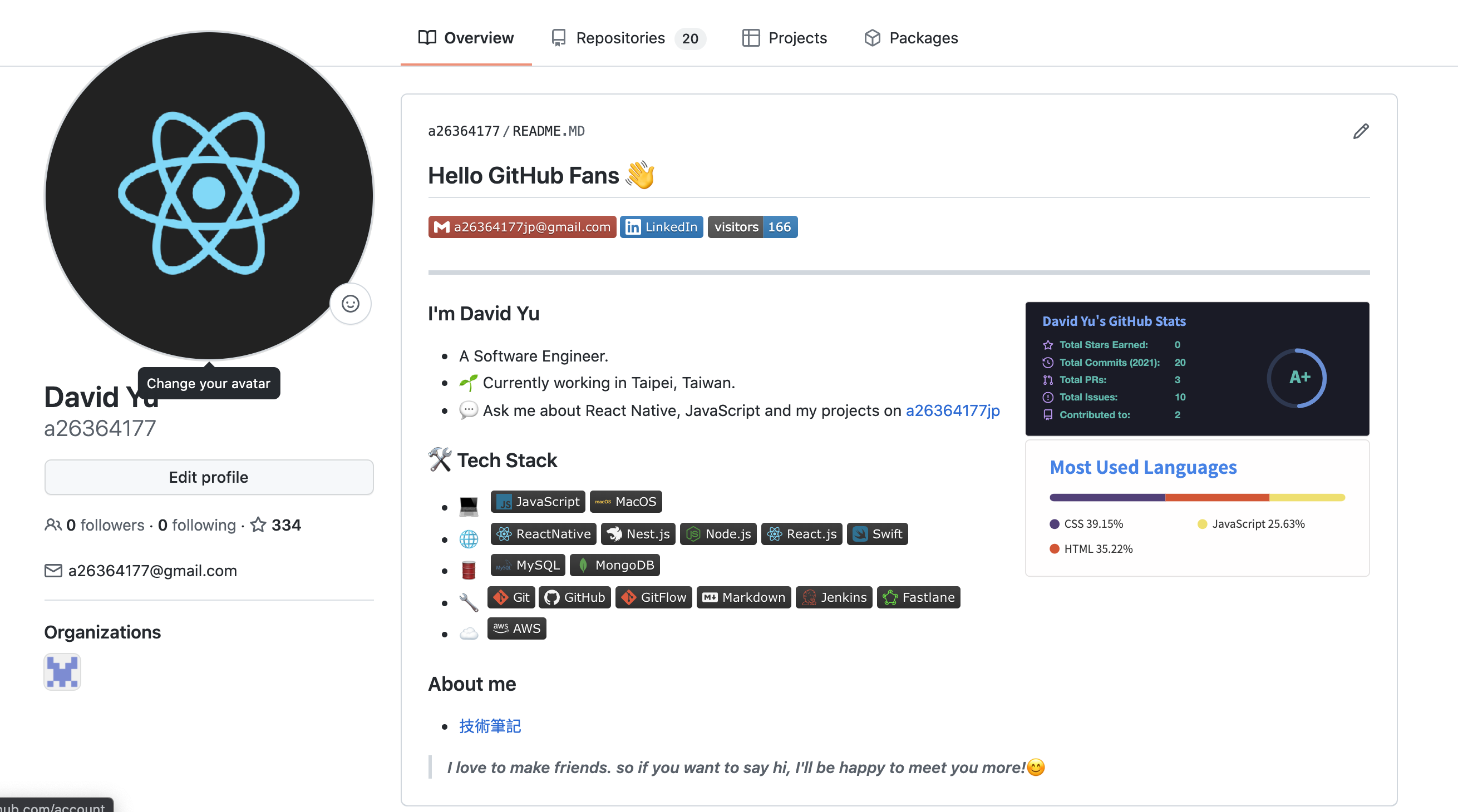
美化個人 GitHub profile
常常看到許多大佬的GitHub profile非常精美而產生了也來美化一下自己的profile的想法
建立repo for readme profile
- GitHub 從某版開始支援在開個相容帳號名的 repo,會將 repo 內的 README.md 檔案顯示在 profile 頁面的功能
- 先開個自己帳號名的repo並新增README.MD檔案,此時會提示
You found a secret! a26364177/a26364177 is a ✨special ✨ repository that you can use to add a README.md to your GitHub profile. Make sure it’s public and initialize it with a README to get started.
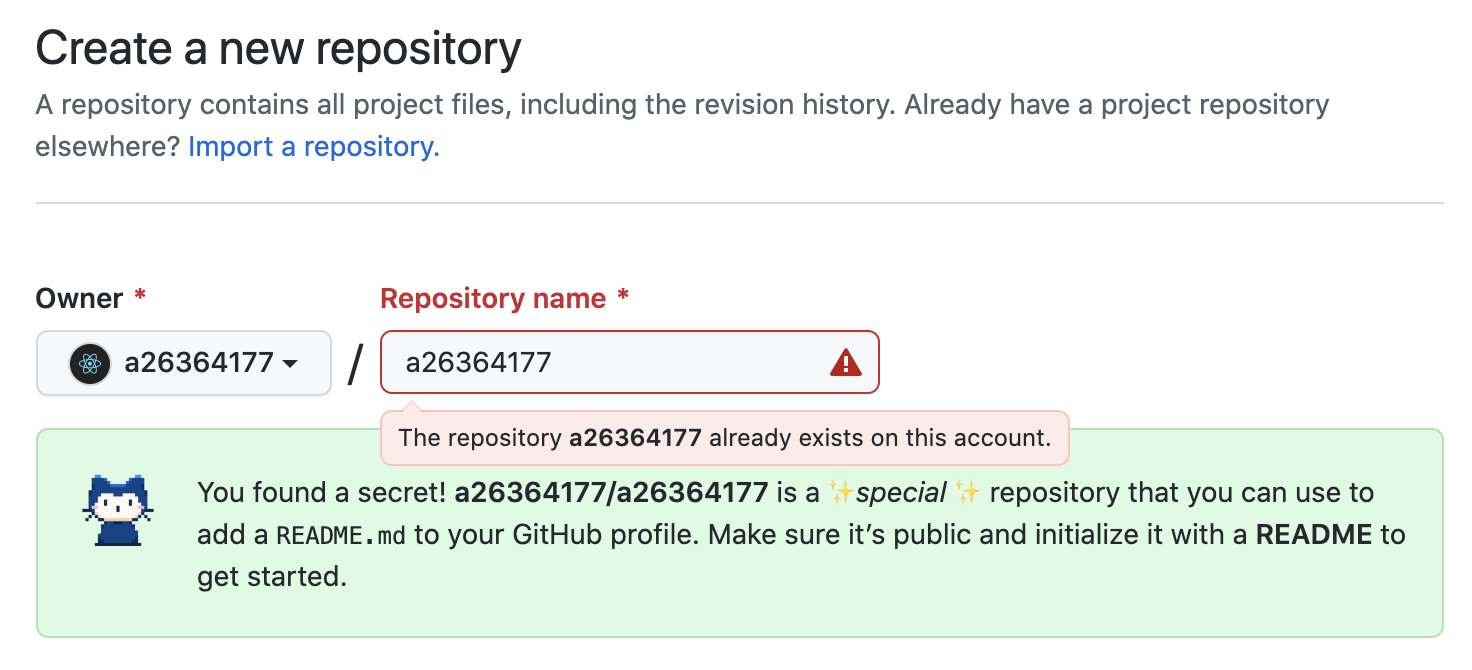 (我的帳號已經創了此 repo,所以會跳紅色警告,可無視)
- 開始修改 README.MD 檔案即可更新 profile 顯示區塊
第三方美化工具
統計工具 anuraghazra/github-readme-stats
- 把 username 改成自己的GitHub username,其他參數調整可參考 README

各種profile模板 kautukkundan/Awesome-Profile-README-templates
我是參考這個JoeyBling.md改的
統計頁面訪客數 badge工具 visitor-badge
- 一個可用在 Markdown 上的簡易統計次數小工具,可以自己修改page_id參數(F5會重複計算)

Markdown Badge工具 shields-io
- 可從這邊製作出常用的 Markdown Badge
- icon name 可從此參考 Simple Icon
[](mailto:joeysiwei@gmail.com)
[](https://www.linkedin.com/in/david-yu-23a3a314b/)


成果